// designed and built in Denmark 🇩🇰
Turn your Mac mini on from anywhere on your network.
- Physical power button control via API
- No macOS software or drivers needed
- Works even when your Mac is fully off
- Connects to your WiFi — no cloud required
Remote power control shouldn't be this hard.
You've got Mac minis in a rack, a closet, or a remote location. They crash. They need reboots. They lose power. And the only way to turn them back on is to physically walk over and press the button.
You've tried everything:
2:47 AM Alert
"Mac mini in rack B is unresponsive. Needs manual power cycle."
The Walk of Shame
Drive to the office. Walk to the rack. Press one button. Drive home.
Downtime Costs Money
Every minute your production Mac is down, something isn't rendering, streaming, or serving.
Meet WakeOnMAC.
No software to install. It's hardware.
No cloud account to create. It's local.
No workarounds. It presses the actual power button.
Starting at $129. No subscriptions.
Five steps. Zero complexity.
From unboxing to API calls in under five minutes.
Mount
Slide your Mac mini into the WakeOnMAC device. It lines up with the power button automatically.
Power via USB-C
Plug in any 5V USB-C power supply. Do not power from the Mac mini itself.
Quick WiFi Setup
Connect to WakeOnMAC's setup network, pick your WiFi, and it joins your network in 60 seconds.
Send Command
Hit the REST API, use the built-in web UI, or press the physical button on the front.
Mac Turns On
The physical button is pressed. Your Mac boots. You stay on the couch.
Choose your setup.
One Mac or two. Rack or desk. We've got you.
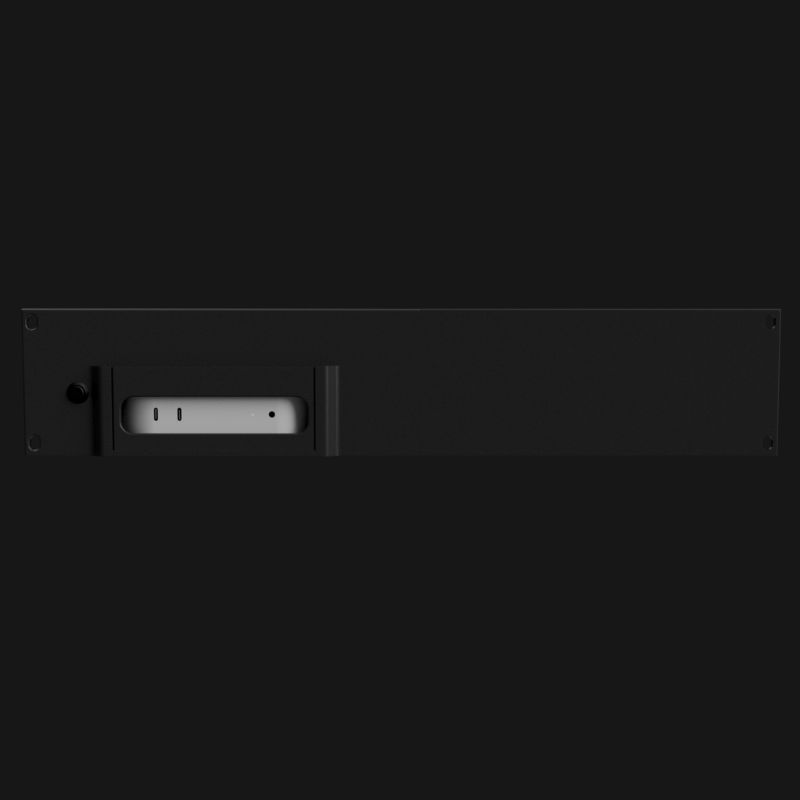
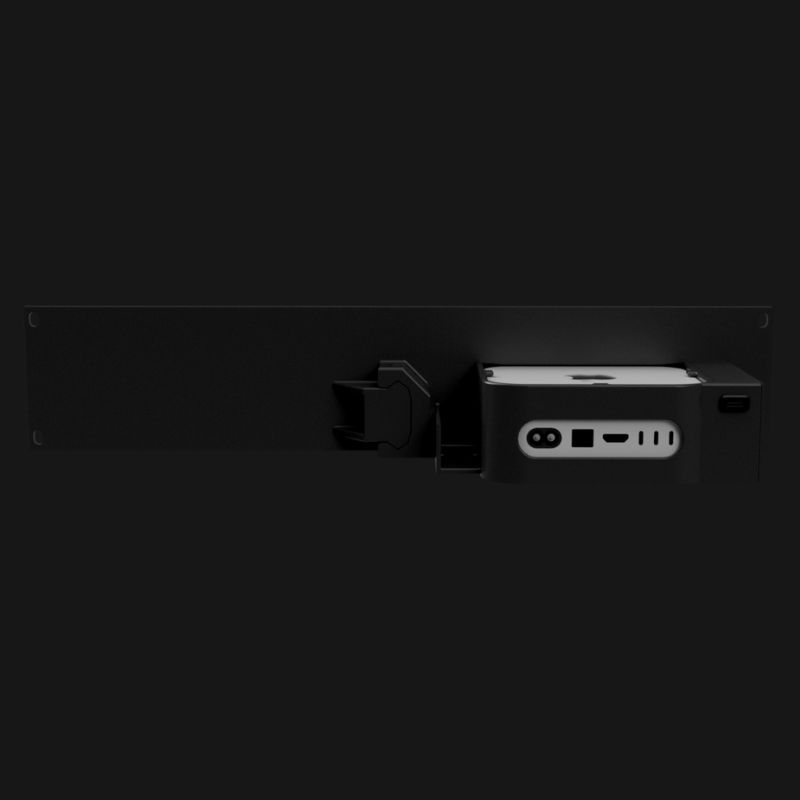
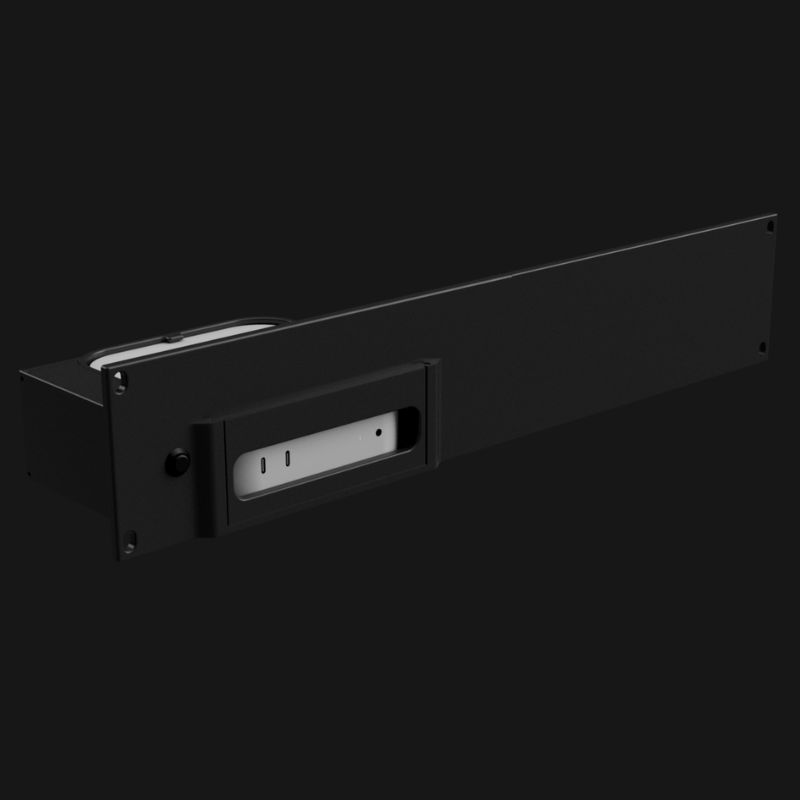
Rackmount Single
1 Mac mini • rack mount
- Controls one Mac mini power button
- Rack-mount compatible form factor
- Physical front button for manual control
- WiFi with REST API
- Built-in web UI
- USB-C powered (5V)
- Works with M4, M4 Pro
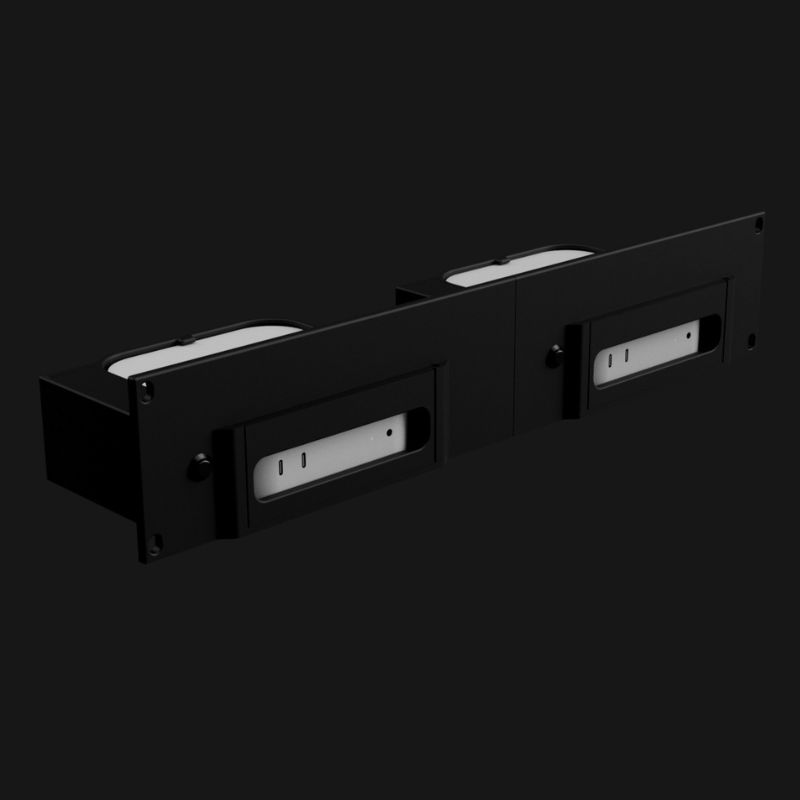
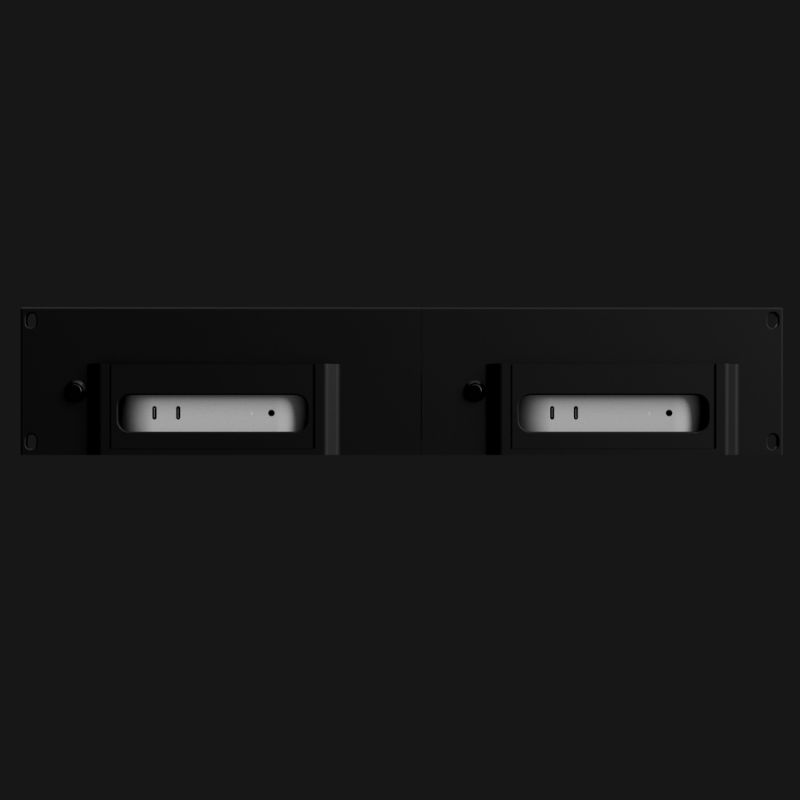
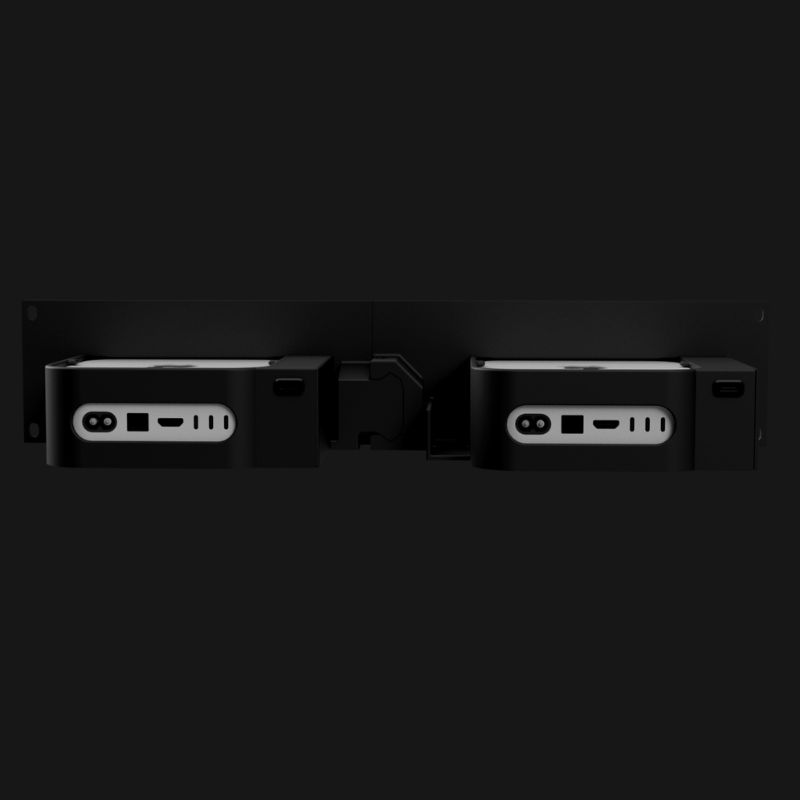
Rackmount Dual
2 Mac minis • rack mount
- Two units side by side for two Mac minis
- Independent power control per Mac
- Physical front button on each unit
- WiFi with REST API
- Built-in web UI
- USB-C powered (5V)
- Works with M4, M4 Pro
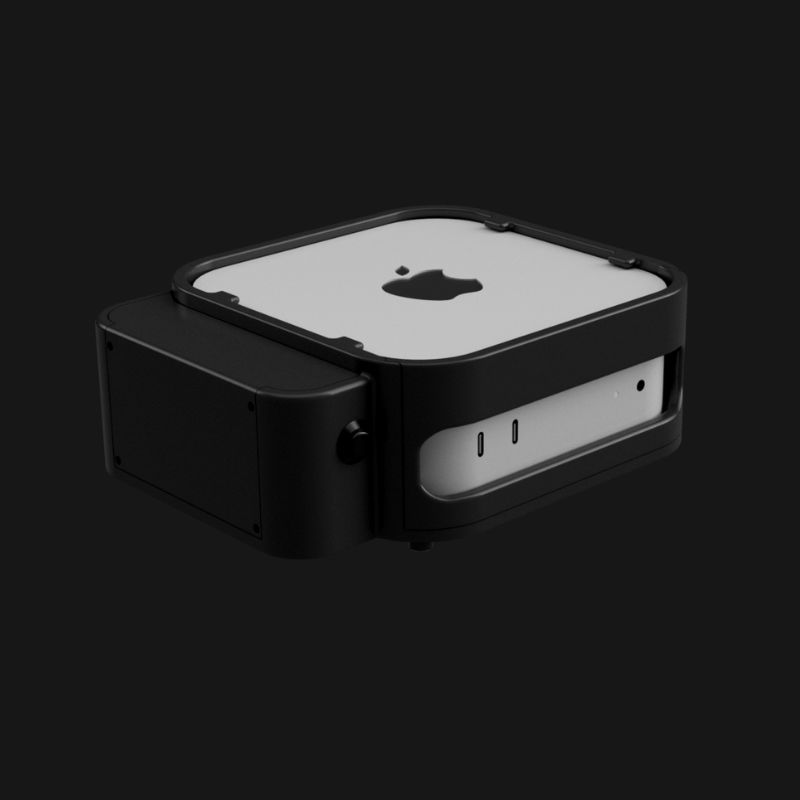
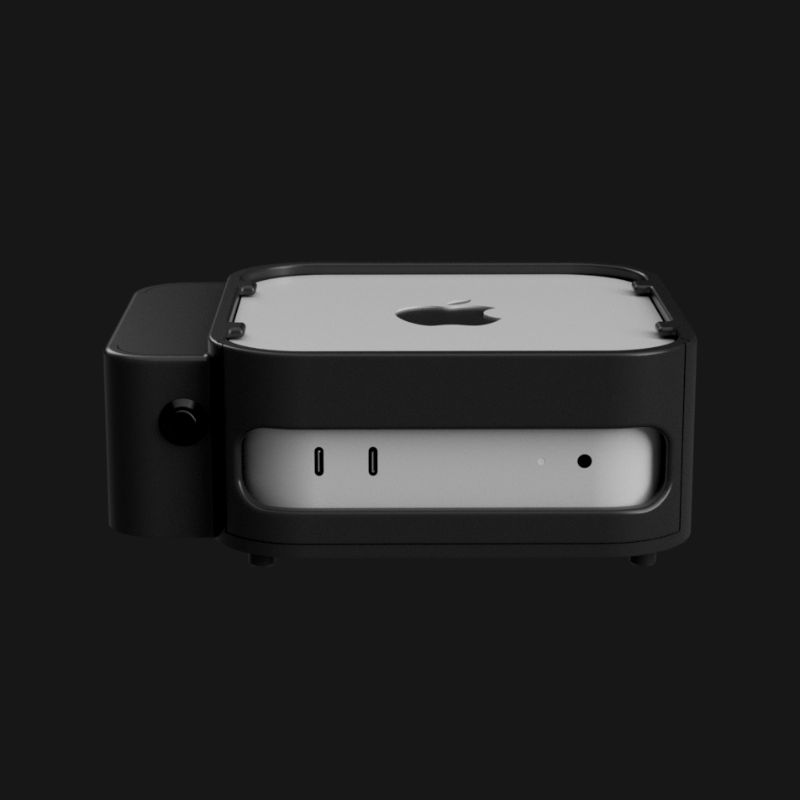
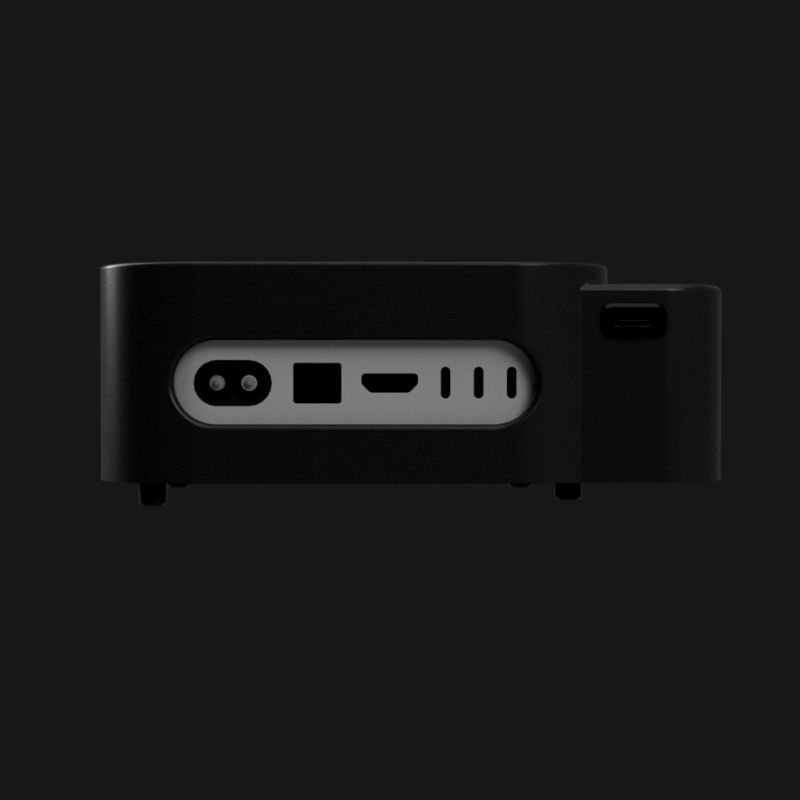
Desktop
1 Mac mini • desk friendly
- Your Mac mini slides in and sits neatly on your desk
- Physical front button for manual control
- WiFi with REST API
- Built-in web UI
- USB-C powered (5V)
- Minimal footprint
- Works with M4, M4 Pro
Who needs this?
Anyone who's ever had to physically press a Mac mini power button at an inconvenient time.
Live Production & Broadcast
Mac minis running Resolume, Qlab, or OBS in a rack somewhere backstage or in another room entirely. At some gigs, the operator at FOH powers them on remotely as part of the setup sequence. At others, it's just there as a safety net if something locks up mid-show.
"It's part of our startup routine now. Power on the Macs from FOH, check the feeds, go."
Church & House of Worship AV
The Mac runs ProPresenter or handles the live stream. During the week, someone needs to prep remotely but the Mac is off because the cleaning crew or a volunteer shut it down. Nobody is at the church to turn it on. With WakeOnMAC, the worship director just opens the web UI from home and the Mac is ready.
"Someone keeps shutting down the Mac during the week. Now I just turn it back on from home."
AV/IT Integrators
You build control rooms with Mac minis in the rack. WakeOnMAC makes the install more complete — the client gets remote power control built into the system. On a Windows or Linux machine, Wake-on-LAN would handle this. Apple Silicon doesn't support it, so WakeOnMAC fills that gap. If you ever need to support them remotely and the Mac happens to be off, you can handle it without a site visit.
"It's become a standard part of what we spec. Clients don't even know they need it until they do."
Home Lab & Dev Ops
Mac minis running servers, self-hosted AI, home automation. They run 24/7 until they don't. You try to SSH in and it's unreachable. Or you accidentally hit shut down instead of restart. On any Linux box you'd send a Wake-on-LAN packet and be done. On a Mac, that's not an option. WakeOnMAC gives you that same thing back — just hit an API endpoint and it's on.
"I shut it down by accident from the couch. Turned it back on from the couch too."
Built different. On purpose.
No compromises, no workarounds, no subscriptions.
Real Power Button Press
Not a software hack. A physical actuator presses your Mac's power button. Works when the OS is frozen, crashed, or completely off.
No WoL Hacks
Wake-on-LAN doesn't work on Apple Silicon. Stop trying. WakeOnMAC doesn't need your Mac's cooperation to turn it on.
Built for Racks
Designed to fit in standard rack mount enclosures alongside your Mac mini. Clean cable routing, compact form factor.
Truly Local
WakeOnMAC never phones home. No cloud, no telemetry, no NTP calls — it never contacts any external server. Your network, your data, your control.
API Included
Simple REST API over HTTP. Integrate with your monitoring, automation, or home lab scripts. Full docs included.
Quick Setup
No cloud accounts, no app downloads, no firmware flashing. 60-second WiFi setup, then start sending commands.
The details that matter.
Questions you probably have.
Does WakeOnMAC work with the Mac mini M4?
How does it physically press the power button?
Does it require an internet connection?
Can I use it with multiple Mac minis?
What API does it use?
Does it need drivers or software on the Mac?
What power does the WakeOnMAC device itself need?
Can I press the button manually without the API?
Stop fighting your Mac mini.
Just turn it on.
Starting at $129. No subscriptions. No cloud.